
Introduction:
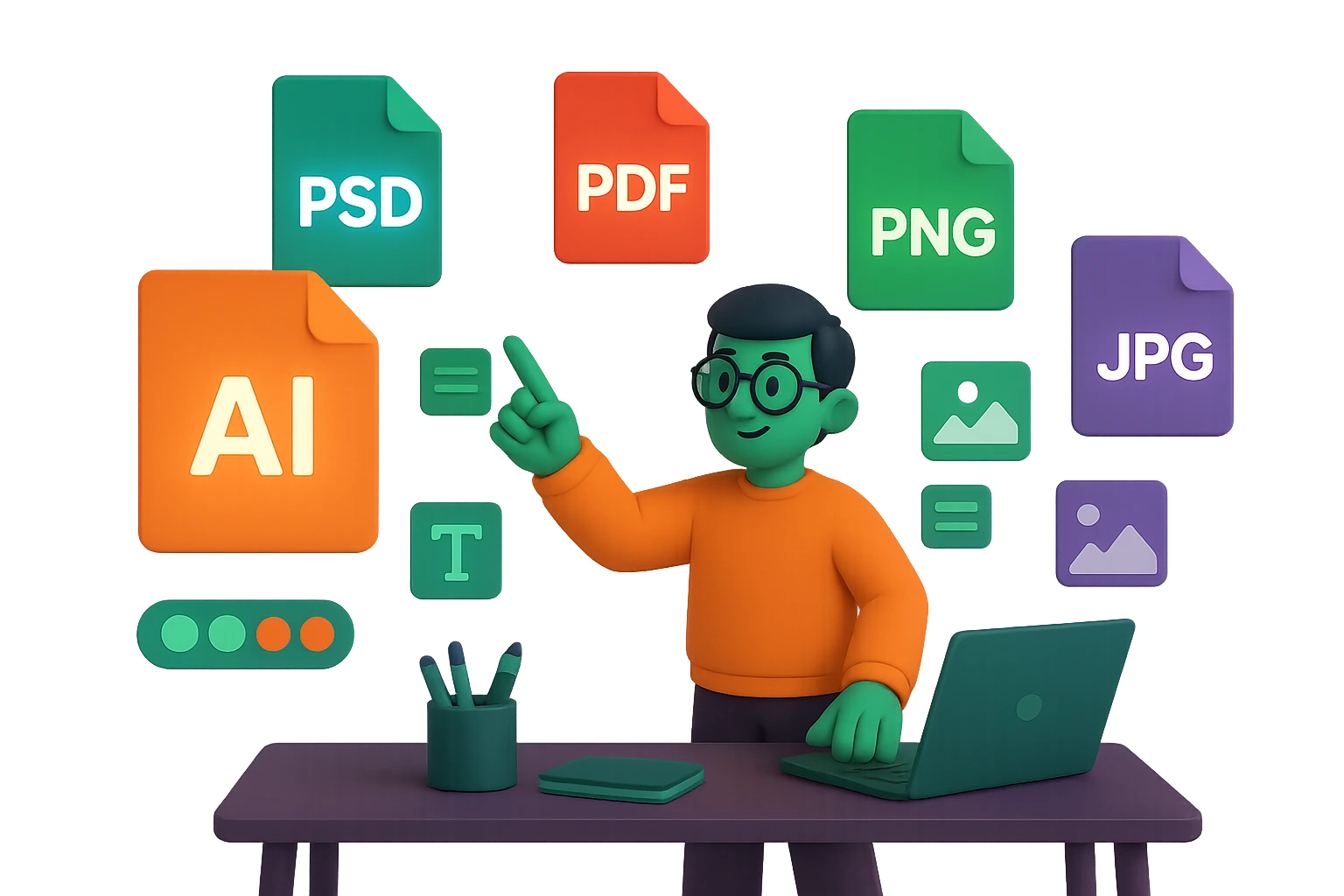
When working with graphic designers or creating visual content yourself, you’ll often come across different file formats — like AI, PSD, PDF, PNG, and more. Each serves a unique purpose in the design and printing world, and knowing when to use what can save you time, money, and frustration.
Whether you’re a business owner or a marketer, this guide will simplify these common file types so you can make smarter decisions for your brand visuals.
🧩 1. AI – Adobe Illustrator File
Best for: Logos, icons, illustrations, and anything vector-based.
AI files are editable, scalable vector graphics created in Adobe Illustrator. They’re perfect for logos and designs that need to be resized without losing quality.
🔍 When to Use:
- Sending logos to printers or designers
- Creating graphics that may need resizing (like billboards or business cards)
🎨 2. PSD – Adobe Photoshop Document
Best for: Complex images, layered artwork, photo editing.
PSD files retain all editing layers — ideal for creating detailed visuals with text, effects, or filters.
🔍 When to Use:
- Working on web banners, social media posts, or digital ads
- Sending editable projects to a designer
📌 Note: PSDs can be large and aren’t always print-ready.
📄 3. PDF – Portable Document Format
Best for: Print-ready documents, sharing across platforms.
PDFs preserve the design layout, fonts, and images regardless of device or software. They can be vector or raster depending on how they’re saved.
🔍 When to Use:
- Final designs for printing (flyers, brochures, business cards)
- Client presentations or document proofs
💡 Pro Tip: Ask for a “print-ready” PDF with crop marks and bleeds if you’re sending it to a printer.
🖼️ 4. PNG – Portable Network Graphics
Best for: Web use, logos with transparency, digital sharing.
PNG files are lossless and support transparent backgrounds — perfect for overlaying your logo on websites, presentations, or social media posts.
🔍 When to Use:
- Uploading graphics online
- Using a logo on different colored backgrounds
- Sharing sharp, small-sized images
📌 But avoid PNGs for print — they’re not meant for high-resolution printing.
🖨️ 5. JPG/JPEG – Joint Photographic Experts Group
Best for: Photographs, web images, compressed files.
JPGs are widely used because they’re small in size and supported on nearly every device. However, they lose quality every time they’re saved.
🔍 When to Use:
- Web images like blog headers, product images, and galleries
- Email attachments or previews
📌 Avoid for logos or anything that needs a transparent background.
📁 Other Useful Formats to Know:
- SVG: Vector format perfect for websites and apps
- EPS: Another scalable vector format, great for printers
- WEBP: New format offering smaller file size with good quality — great for web
🧠 Conclusion:
Using the right file format ensures your design looks sharp, performs well, and prints perfectly. If you’re not sure which one to use, ask your designer to send you a complete branding kit — including AI, PSD, PDF, PNG, and JPG formats so you’re covered for any scenario.
Want branding files that work everywhere?
🎯 At Graphicsion, we deliver every project in multiple formats — optimized for print, web, and future edits. Explore our Pricing Plans or Get a Quote today!